Doubled adoption of SurveyMonkey’s AI Survey Creator among new users
Problem
As a Product Design Intern on SurveyMonkey's Growth team, I redesigned the post-survey conversion experience, starting with the “Thank You” page.
When users complete a survey, they land on a “Thank You page” that encourages sign-up. Despite high traffic (millions of views per month), most new sign-ups dropped off before creating their first survey. This meant we were missing a critical opportunity to convert new sign-ups into active, paying customers.
The Redesign
I redesigned the experience with a demo of our AI Survey Creator feature. Users who interacted with the demo were routed to sign up and generate a survey using the feature.
I collaborated with product, a motion designer and engineering to test this as 2 A/B experiments (1 control + 1 treatment each).
Outcome
AI Survey Creator
Adoption doubled among new users within a month (5 -> 11%)
New survey launches
New survey launches lifted by 5% within 2 weeks of account creation
Context
The Thank You page appears after a user has completed a survey
This page is designed to convert them from survey-takers into survey creators - our core product offering - through a sign up form.
The current sign up flow from the Thank You page
The Problem
We were getting high sign-ups, but minimal survey creation
Most users who signed up from this page never came back to create a survey, and we didn’t know why. Without understanding user intent, we couldn't optimize the page to drive conversions or meet user needs.
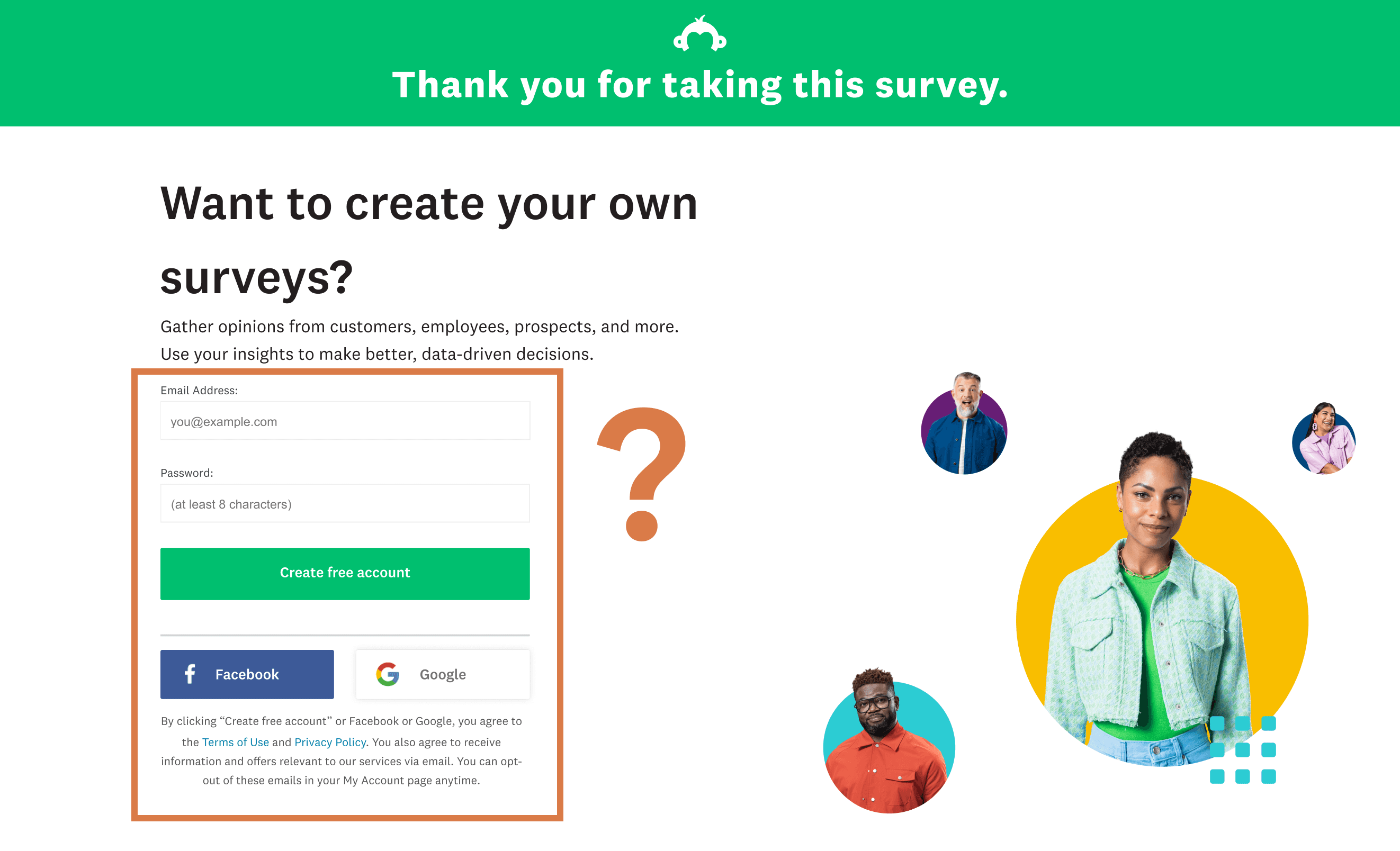
The Thank You page got high sign ups, but most users were inactive
Design Challenge
I led design to ask: How might we encourage more users landing on the Thank You page to create surveys?
Solution
Two experiments using interactive AI demos
I redesigned our Thank You page to highlight our AI survey creation feature called Build with AI. The interactive demo was meant to help new users instantly experience product value.
Any engagement with the page landed them in our AI survey creation tool post-sign up, so they could get started with survey creation right away.
Experiment 1 had an input field for prompts:
The sign up flow for Experiment 1
Experiment 2 had a GIF to showcase how Build with AI works:
The sign up flow for Experiment 2
Impact
Doubled adoption of SurveyMonkey’s AI survey creator among new users
Experiment 1 went out first, and in a month’s time:
AI Survey Creator
Adoption doubled among new users within a month (5 -> 11%)
New survey launches
New survey launches lifted by 5% within 2 weeks of account creation
Success metric
X+% increase in our success metric, Initiate
Design Process
Let’s show off our AI feature!
We knew the Thank You page offered a valuable opportunity to get more customers. I also knew that our AI survey creator, Build With AI (BwAI), was a unique and new way of creating surveys on our platform.
After chatting with my product manager, I decided to highlight this feature on the Thank You page.
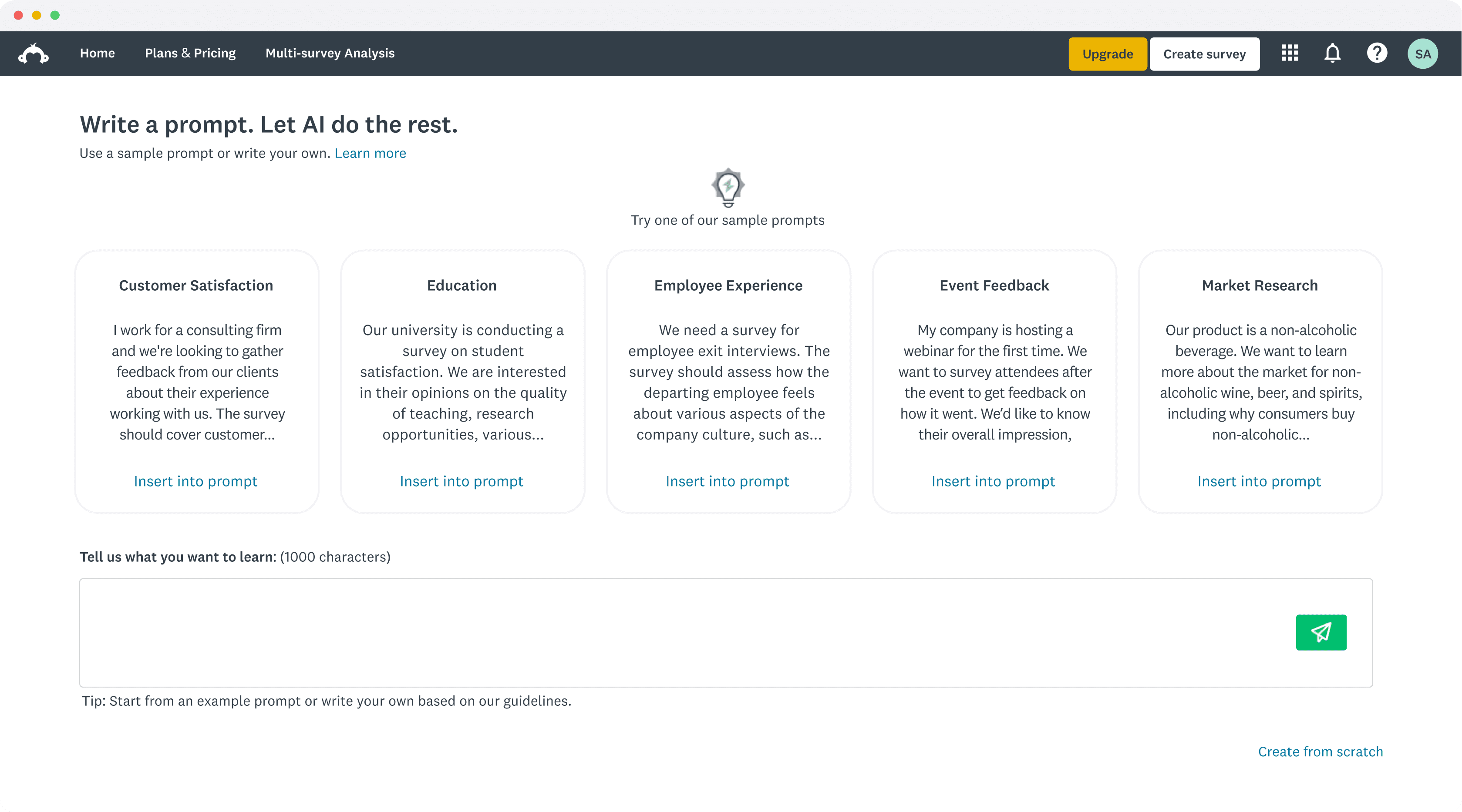
The current sign up flow from the Thank You page, which we set as our Control for the experiment.
Competitor Analysis
What’s been done already?
I started by connecting with a Product Manager on a different team, the Marketing team and the BwAI designer to confirm if they had run experiments using BwAI, which could inform our design.
I also did a competitor analysis, focusing on:
• How do these companies market their AI products on their external-facing webpages?
• Do they require you to sign up/log in to use the feature?
Then I dove into the features themselves, noticing which UI elements were used to provide input, and how the output was displayed.
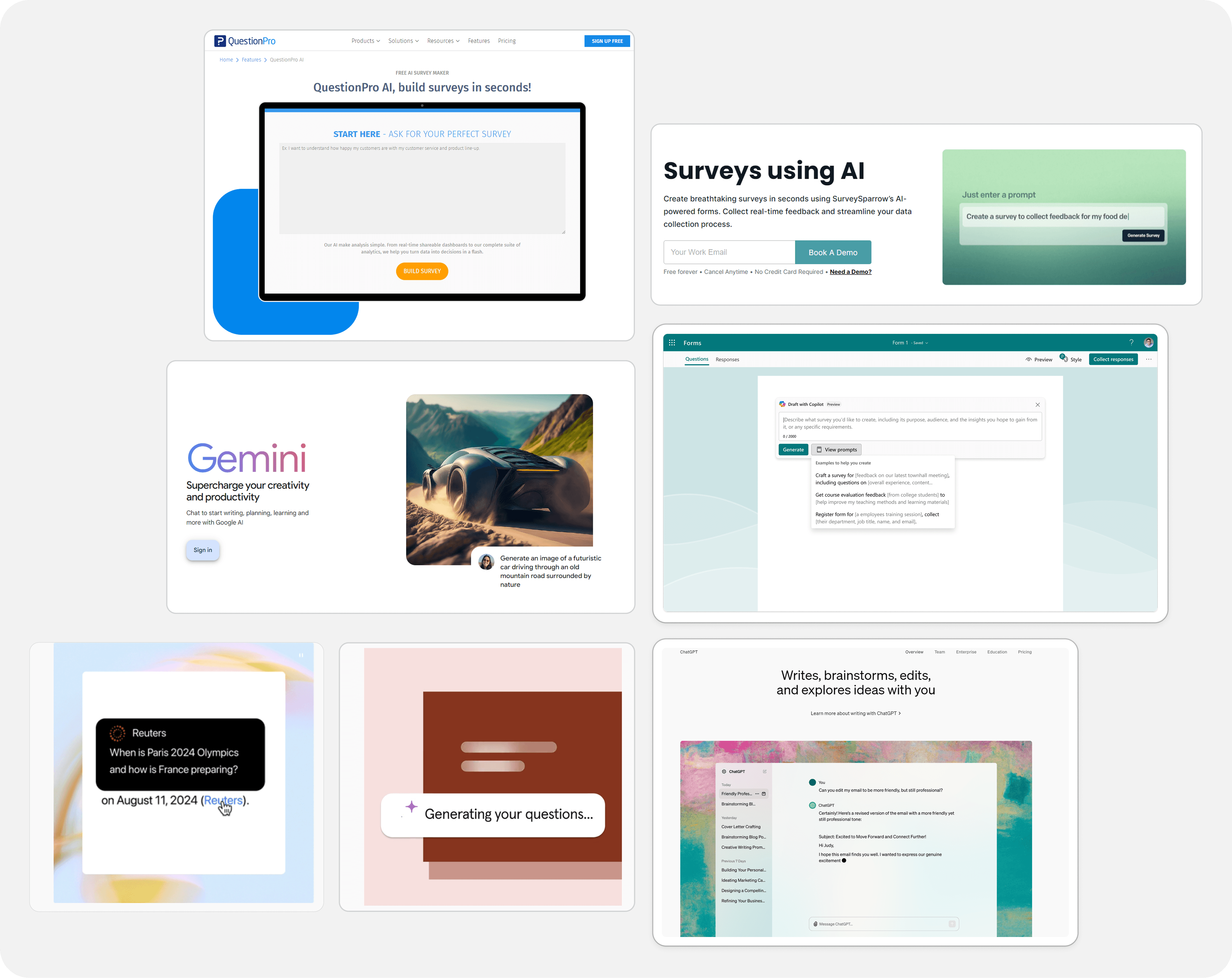
The companies I looked at were Typeform, SurveySparrow, Gemini, ChatGPT, and others
Wireframes
Not one, but two experiments!
Through my findings, a recurring insight emerged: companies used GIFs/video loops or input fields for prompting to demonstrate the value of their AI offering on their marketing sites.
I presented my findings to a team of 8 in our biweekly product and design reviews. We aligned on running two experiments: a GIF and a prompting experiment. Over the next 1.5 months, I then iteratively designed and presented my work.
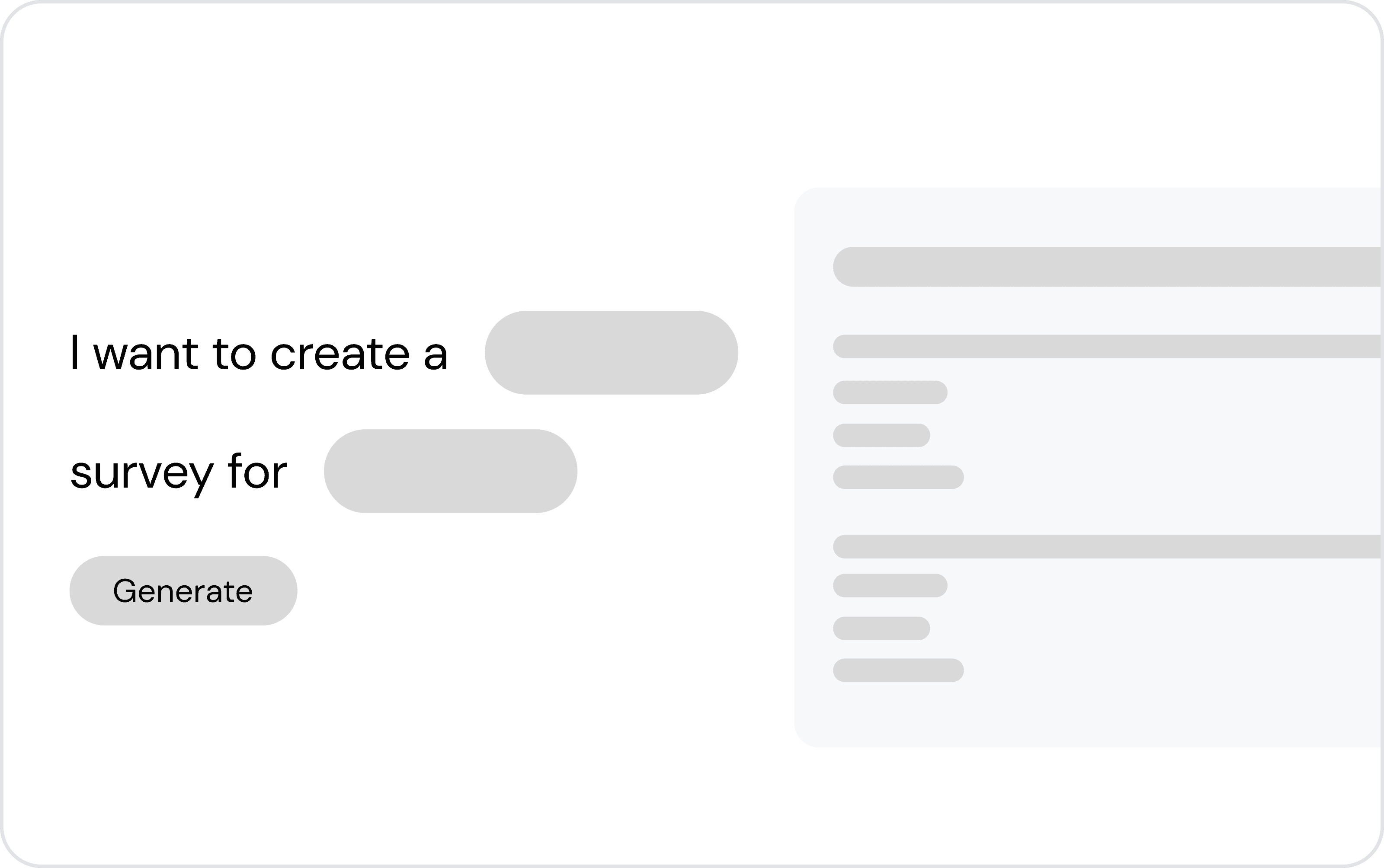
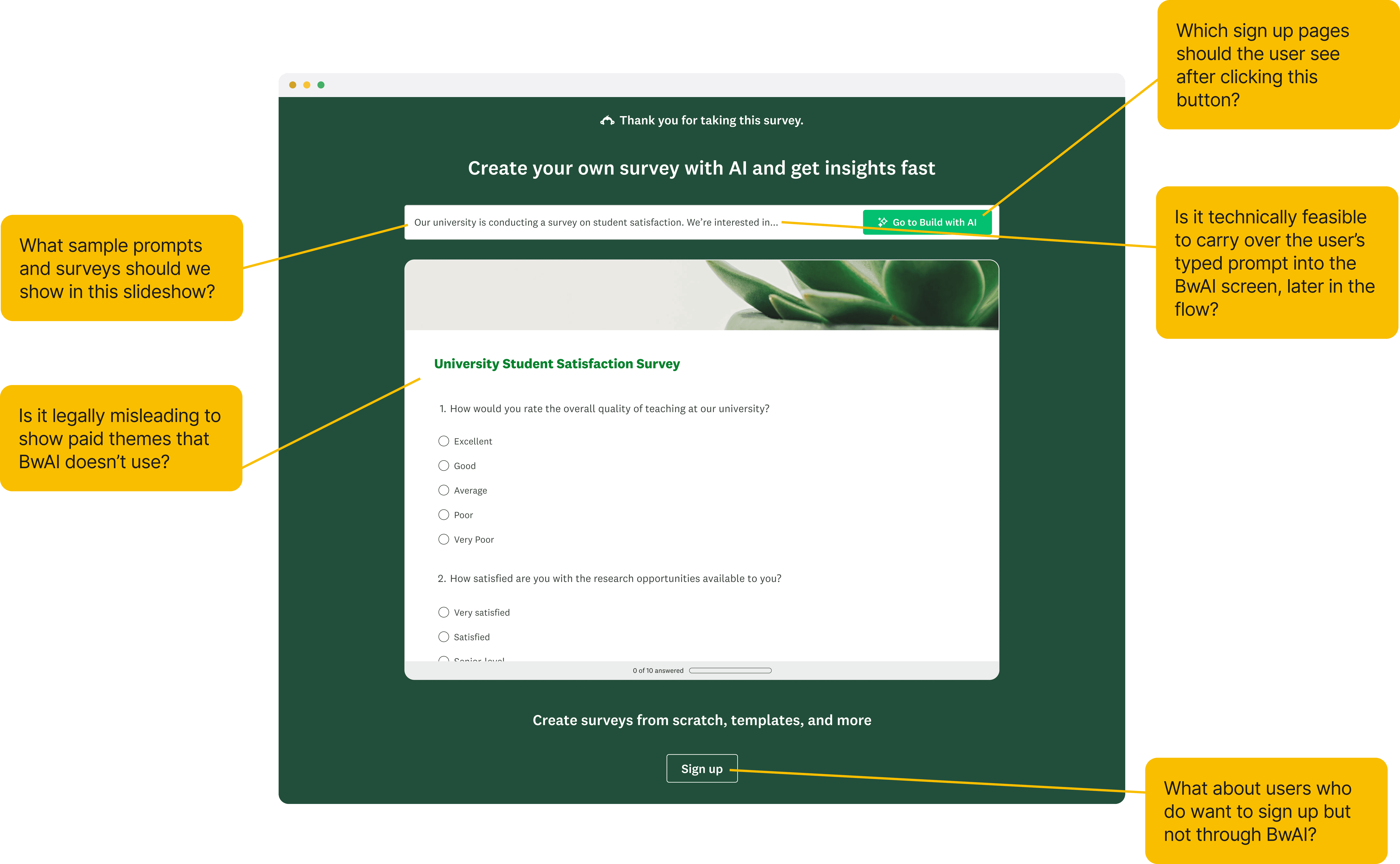
Experiment 1: input field for prompting + a survey preview
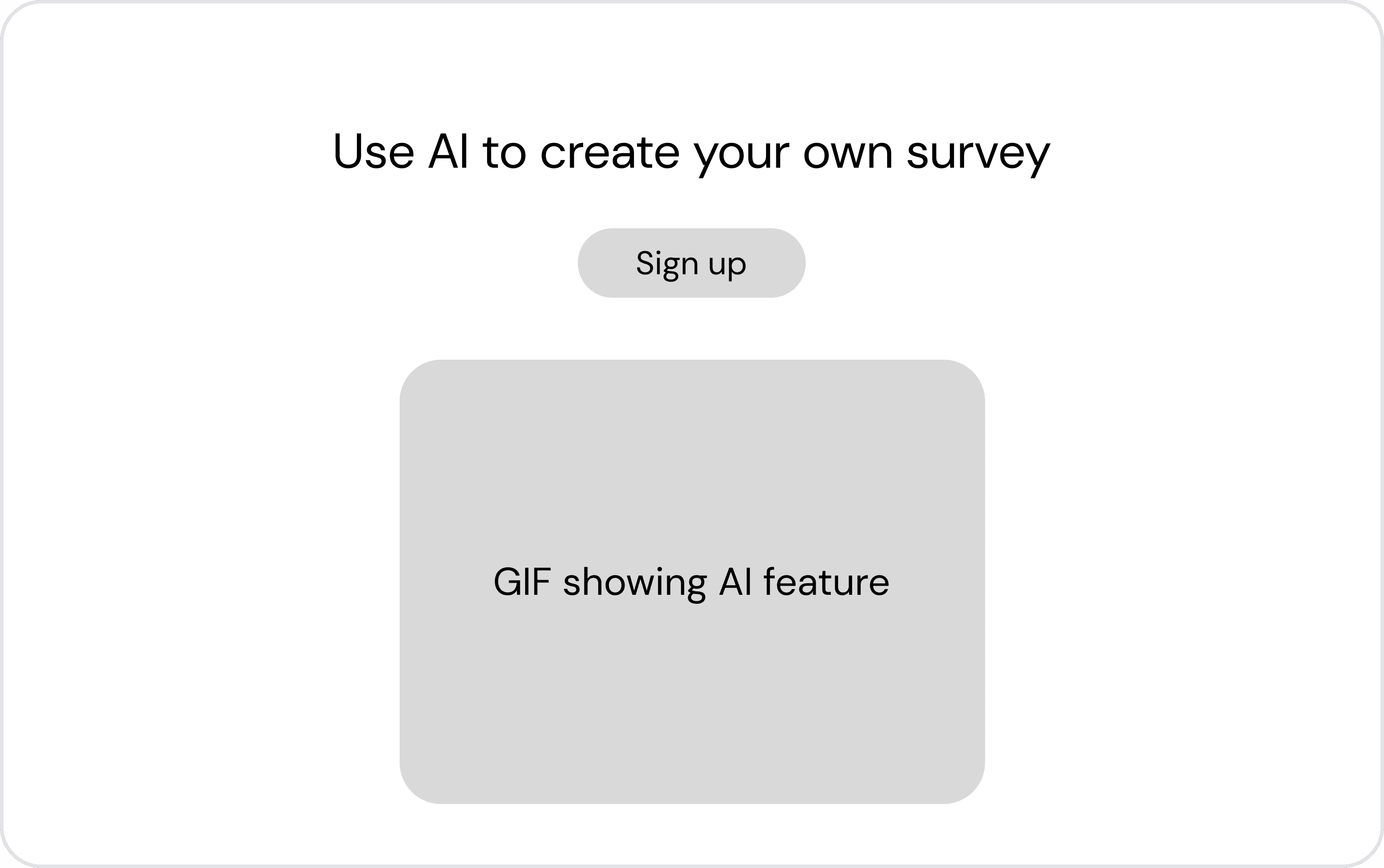
Experiment 2: a GIF demo-ing the Build with AI feature
Experiment Details
Hypothesis and success metrics
💡 Hypothesis
By providing an interactive demo of Build with AI in this flow, we might encourage people to sign up to create and launch their first survey. This might lead to increased Initiates.
🎯 Success metric
Initiates, i.e. the proportion of users who created a survey and gave it a title.
Design decisions
Design decisions for Experiment 1
I had to consider multiple factors and tradeoffs when making design decisions for this project.
Storyboarding
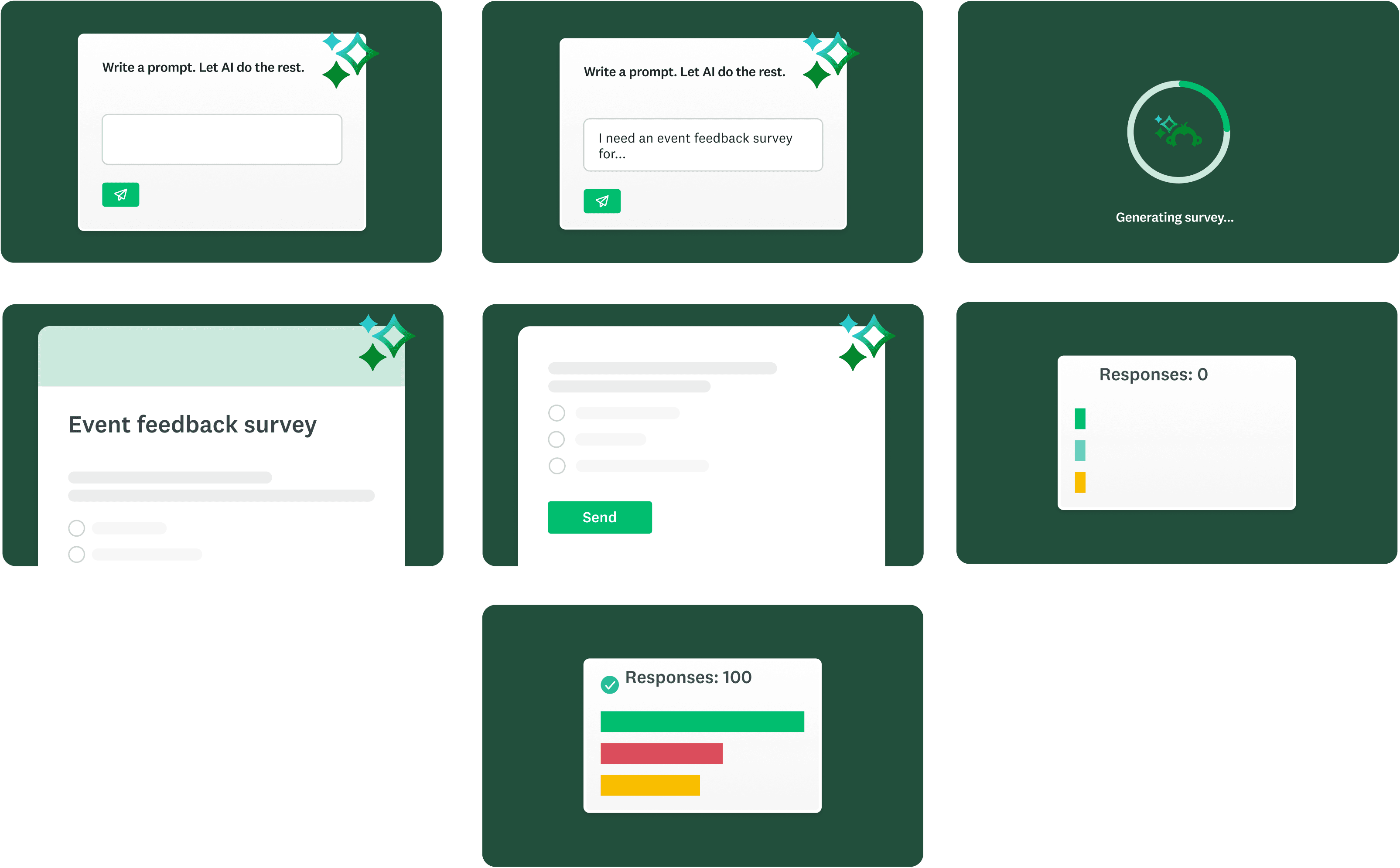
Storyboarding the GIF for Experiment 2
I created a storyboard for the GIF and collaborated with a motion designer to bring it to life. The goal of the GIF was to communicate how quick it was to get insights back from a survey created using AI.
Learnings
What I learned
I gained exposure into how AI tools work and how they are marketed, which helped me inform my own design in the AI space
I learned to adapt quickly: I was presentation-ready for stakeholders biweekly, got presentation feedback from my PM and engineers weekly, and worked with 4+ cross-functional teams
I learned how the results of one experiment can help inform another, which showed up in my decision to use the sign up pages with BwAI context in our treatments
I learnt ProtoPie to build my interactions! :)